
Convos is the simplest way to use IRC. It is always online, and accessible to your web browser, both on desktop and mobile. Run in on your home server, or cloud service easily. It can be deployed to Heroku or Docker-based cloud services, or you can just run it as a normal Mojolicious application, using any of the Deployment Guides.
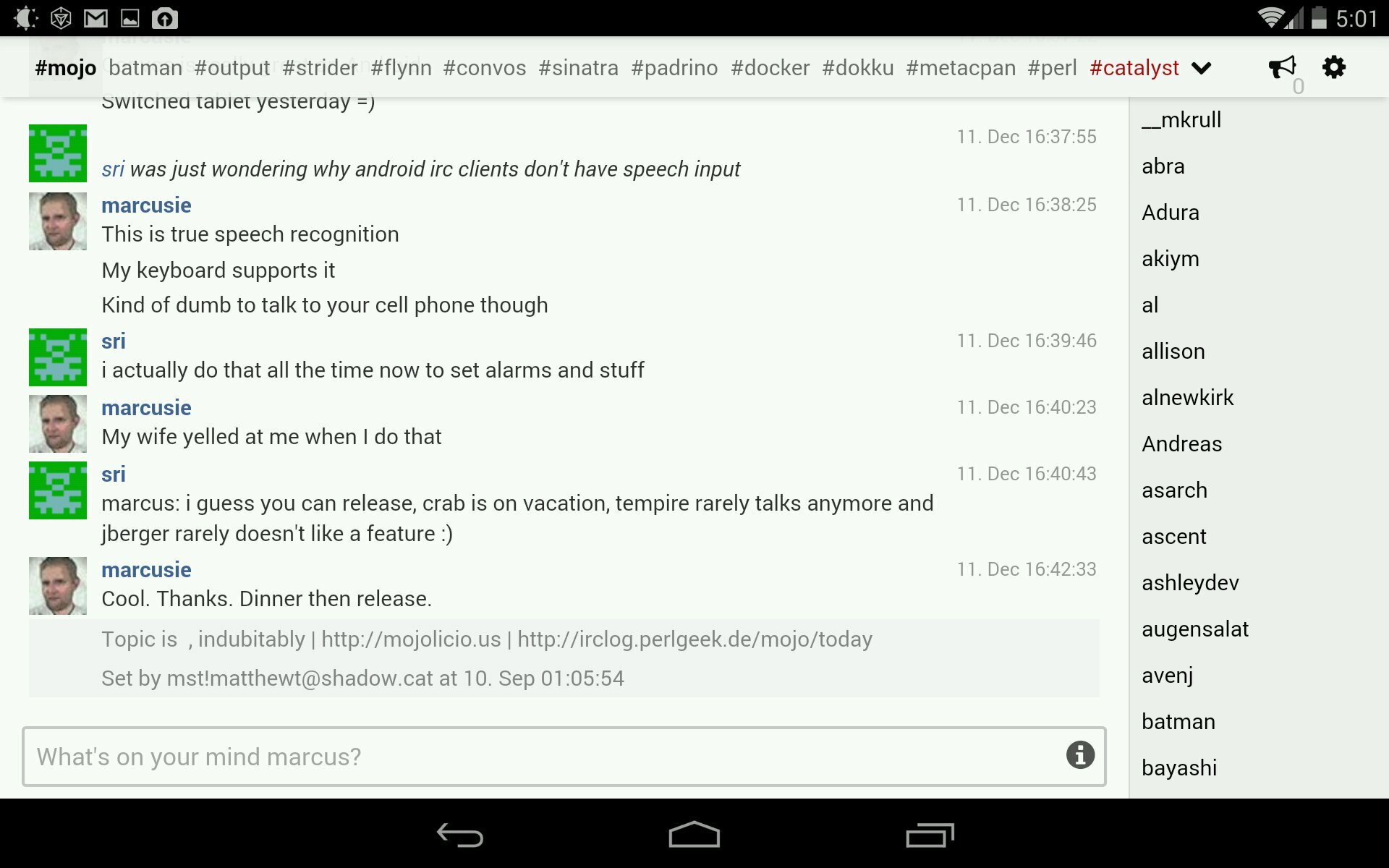
Features
Always online
The backend server will keep you logged in and logs all the activity in your archive.
Archive
All chats will be logged and indexed, which allow you to search in earlier conversations.
Avatars
The chat contains profile pictures which can be retrieved from Facebook or from gravatar.com.
Include external resources
Links to images and video will be displayed inline. No need to click on the link to view the data.
Installation
Wirc requires a Redis server to function. If you are deploying on osx you can use perlbrew, or if you are on ubuntu or similar install redis-server using apt-get. To install wirc, you can run the following commands:
$ curl https://github.com/Nordaaker/convos/tarball/release | tar zxvf -
$ cd Nordaaker-convos-*
# Install deps using carton bundled with the repo
$ ./vendor/bin/carton
# OR use cpanm to install deps to your perl, if you have it set up
# Then you don't need cartion exec in front of the next commands:
$ cpanm --installdeps .
# edit convos.conf, point to your redis server
# Start up the backend
$ ./vendor/bin/carton exec script/convos backend &
# And start the web server
$ ./vendor/bin/carton exec morbo script/convos
# open http://localhost:3000 in your favorite browser
Running convos in production morbo is an excellent tool for testing, but hypnotoad should be used to run Convos in production:
$ ./vendor/bin/carton exec hypnotoad script/convos
The command above will start a full featured, UNIX optimized, preforking non-blocking webserver. Run the same command again, and the webserver will hot reload the source code without loosing any connections. By default it will listen to http://*:5000/ but you can easily configure this in convos.conf - It can even serve HTTPS directly if you install IO::Socket::SSL from CPAN.
See also the Mojolicious Guides for production deployment.
For convenience, we also include a Dockerfile so you can build a Docker image easily if you want a custom config or pull our image directly from the docker index.
Architecture principles
- Keep it easy to install
- Keep the JS simple and manageable
- Use Redis to manage state / publish subscribe
- Archive logs in plain text format, use ack to search them.
Authors
Jan Henning Thorsen - jhthorsen@cpan.org Marcus Ramberg - marcus@nordaaker.org
Copyright & License
Copyright (C) 2012-2013, Nordaaker.
This program is free software, you can redistribute it and/or modify it under the terms of the Artistic License version 2.0.