OCBNET-WebSprite
Perl Package to generate spritesets from annotated css.
INSTALL


Standard process for building & installing modules:
perl Build.PL
./Build
./Build test
./Build install
If you're on a platform (Windows) that doesn't require the "./" notation:
perl Build.PL
Build
Build test
Build install
Or, if cpanminus is available:
cpanm git://github.com/mgreter/OCBNET-CSS3.git
cpanm git://github.com/mgreter/OCBNET-WebSprite.git
You need Strawberry Perl and GraphicsMagick on Windows.
Preface
In early 2013 I had the pleasure to replace the manual process of creating spritesets with a better solution. It was pretty fast decided to go with http://csssprites.org/. The feature that convinced us, was the comment annotation syntax. Most spriteset generators take a bunch of images and force a certain way on the developer how to use them. This is a perl implementation that goes (IMHO) a little further than smartsprites.
Features
- Add WebSprite to already existing css files (postprocessor).
- Configuration is embeded inside the css file (as comments).
- Supports all combinations of fixed and flexible dimension, background sizing (scaling for retina) and background repeat.
Command Line Tool
websprite [options] [source]
If no source is given, it will read from stdin.
-v, --version
-h, --help
-d, --debug [0-9]
-x, --compress [0-9]
CSS Annotations
WebSprite interprets all selectors and their properties (with the help of OCBNET::CSS3). You add annotations for spritesets to be generated (where sprites get distributed to) and sprites that should be distributed.
You must define one or multiple spritesets inside your css. Each spriteset
must have a unique css-id. There is a sprite shorthand to define both
values at once:
/* shorthand for css-id and sprite-image */
/* sprite: spriteset url('spriteset.png'); */
This could be equally written as:
/* use longhands */
/* css-id: spriteset; */
/* sprite-image: url('spriteset.png'); */
Example input:
.sprite
{
	width: 35px;
	height: 35px;
	padding: 5px;
	background-repeat: no-repeat;
	/* sprite.png is 46x46 pixel */
	background-image: url('sprite.png');
	/* sprite: spriteset url(spriteset.png) */
}
Example output:
.sprite
{
    width: 35px;
    height: 35px;
    padding: 5px;
    /* sprite: spriteset url(spriteset.png) */

    ;/* \/ added by WebSprite \/ */
    background-size: 47px 47px;
    background-repeat: no-repeat;
    /* added a 1px safety margin */
    background-position: -1px -1px;
    background-image: url("spriteset.png");
    /* /\ added by WebSprite /\ */
}
css-id and css-ref
WebSprite does not know about the actual css cascade (as it has no HTML DOM).
You can use css-id and css-ref to give hints to WebSprite how it should
resolve the css cascade. This greatly reduces the need to repeat properties
just for WebSprite. A common use case are width and height dimensions. This
feature ist part of OCBNET::CSS3.
.icon
{
	/* css-id: icon; */
	width: 20px; height: 20px;
	background-repeat: no-repeat;
}

.icon.this
{
	/* css-ref: icon; */
	background-image: url('this.png');
}
.icon.that
{
	/* css-ref: icon; */
	background-image: url('that.png');
}
The last two selectors will be seen as enclosed sprites on fixed containers.
Fixed and Flexible sprite containers
Sprites are background images that are defined on selectors that either have
defined dimensions or are fully (on each axis) flexible. Therefore we have 4
different kind of enclosed states: flexible-both, flexible-x,
flexible-y, fixed-both. If a sprite is enclosed in some axis, we can
change a bottom/right alignment to a top/left alignment.
Spriteset Layout
There are four different areas in the spriteset (corner, stack, edge, fit). Each will get different types of sprites, according to the css properties.
The corner area can only contain one sprite. There are (of course) four
different corners in the spriteset, each beeing able to hold different sprite
configs. The top/left corner can hold one sprite that is bottom/right aligned
in a big fixed container. The bottom/right corner can hold a sprite that is
top/left aligned in a fully (both axes) flexible container.
The edge and stack areas are very similar. They are both on the edge of the
spriteset. The only difference is that edge will be offset to not intersect
with the fit area. This ensures that we only show whitespace for flexible
containers or that we can use the rest of the available canvas to draw the
repeating patterns. The stack will be as close to the fit area as possible.
The fit area contains all fully enclosed sprites (fixed in both axes). They
get distributed to a minimal area via a 2D Packing Algorithm.
Limits
Sprites that are shown inside containers that are flexible in both axes cannot be supported. WebSprite supports pretty much every other configuration I can think of. WebSprite will warn you if it detects annotated sprites that cannot be distributed.
Repeating or beeing flexible in multiple axes on the same spriteset can lead to visual errors. You should be safe if you only use repeating/flexible containers on one axis, or if you do not have any repeatings at all. Currently WebSprite will not check or issue a warning on these situations.
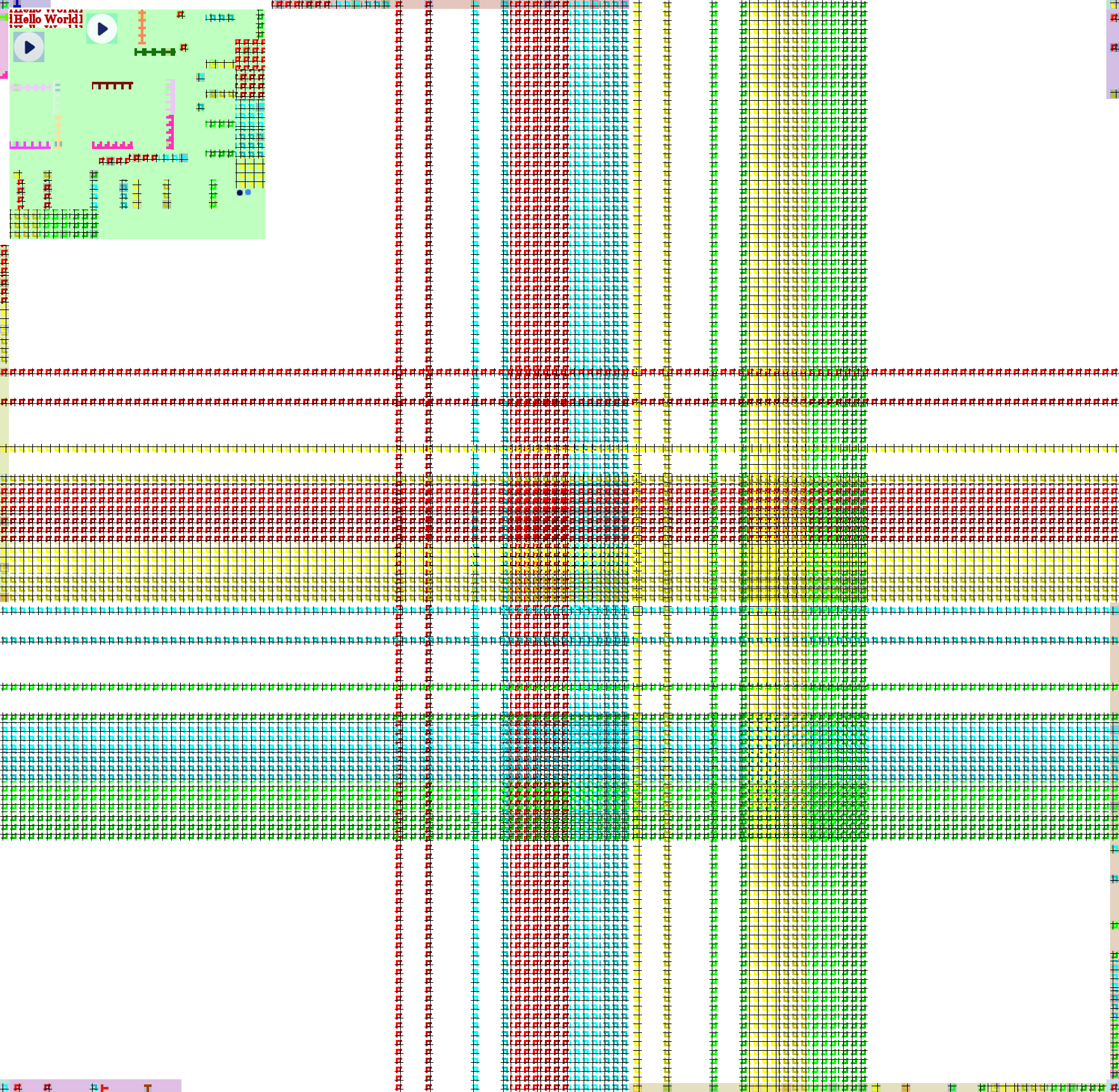
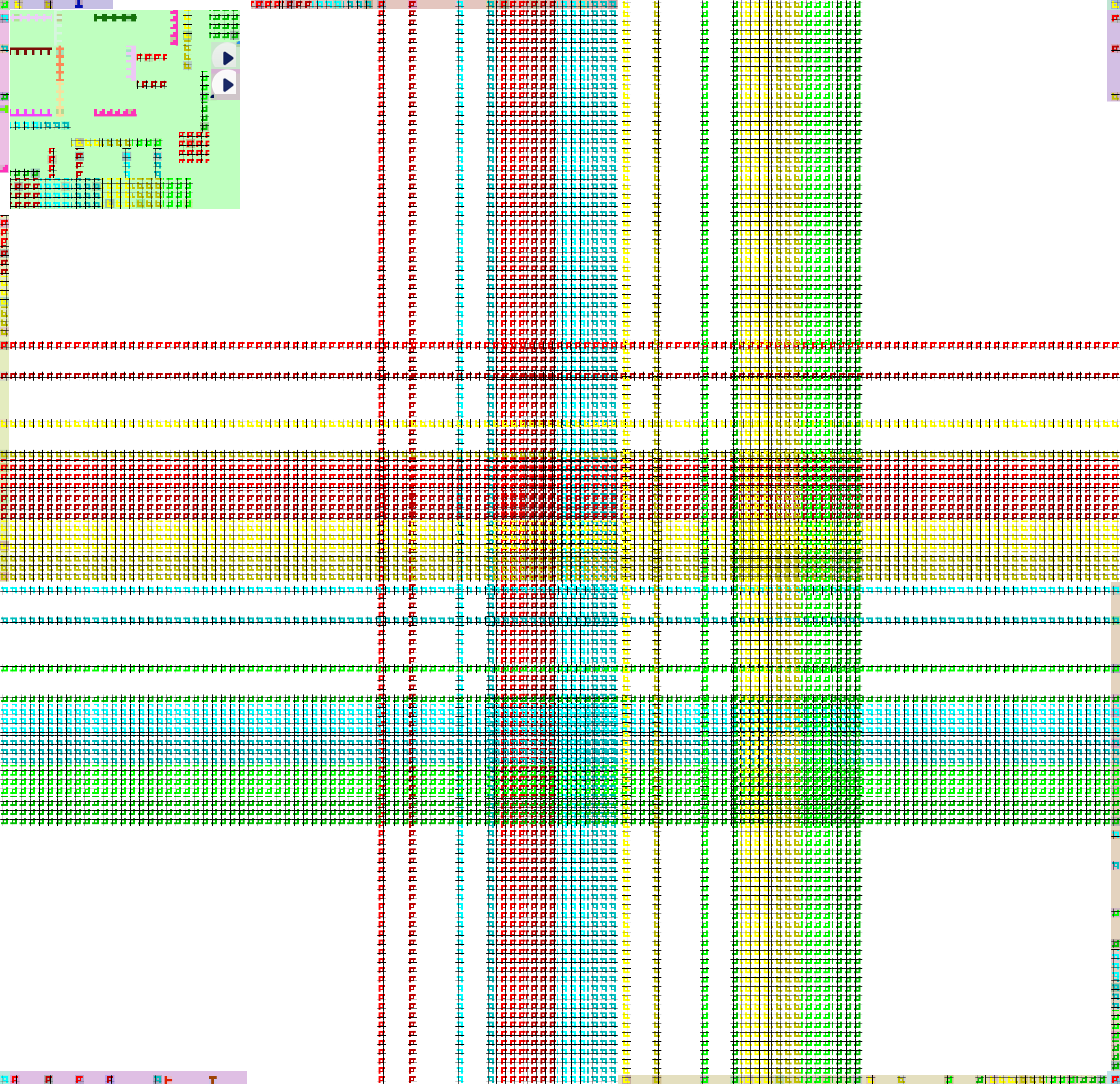
Samples

Copyright
(c) 2014 by Marcel Greter