#NAME
trrr - search torrents from CLI
#SYNOPSIS
CLI tool for searching torrents using as few keystrokes as it gets. Looking for torrents throught web browser can often be annoying as you are flooded with popups and fake Download buttons. trrr is written in Perl, it's using only core dependencies and it'll work on OSX, Ubuntu, iOS-jb. It'll filter and sort results then map each result to different keyboard key. Press a key with assigned letter and on OSX and Ubuntu it will open magnet in your default torrent client. On iOS it'll place magnet string into clipboard so it can be pasted into iTransmission GUI.
#GIF
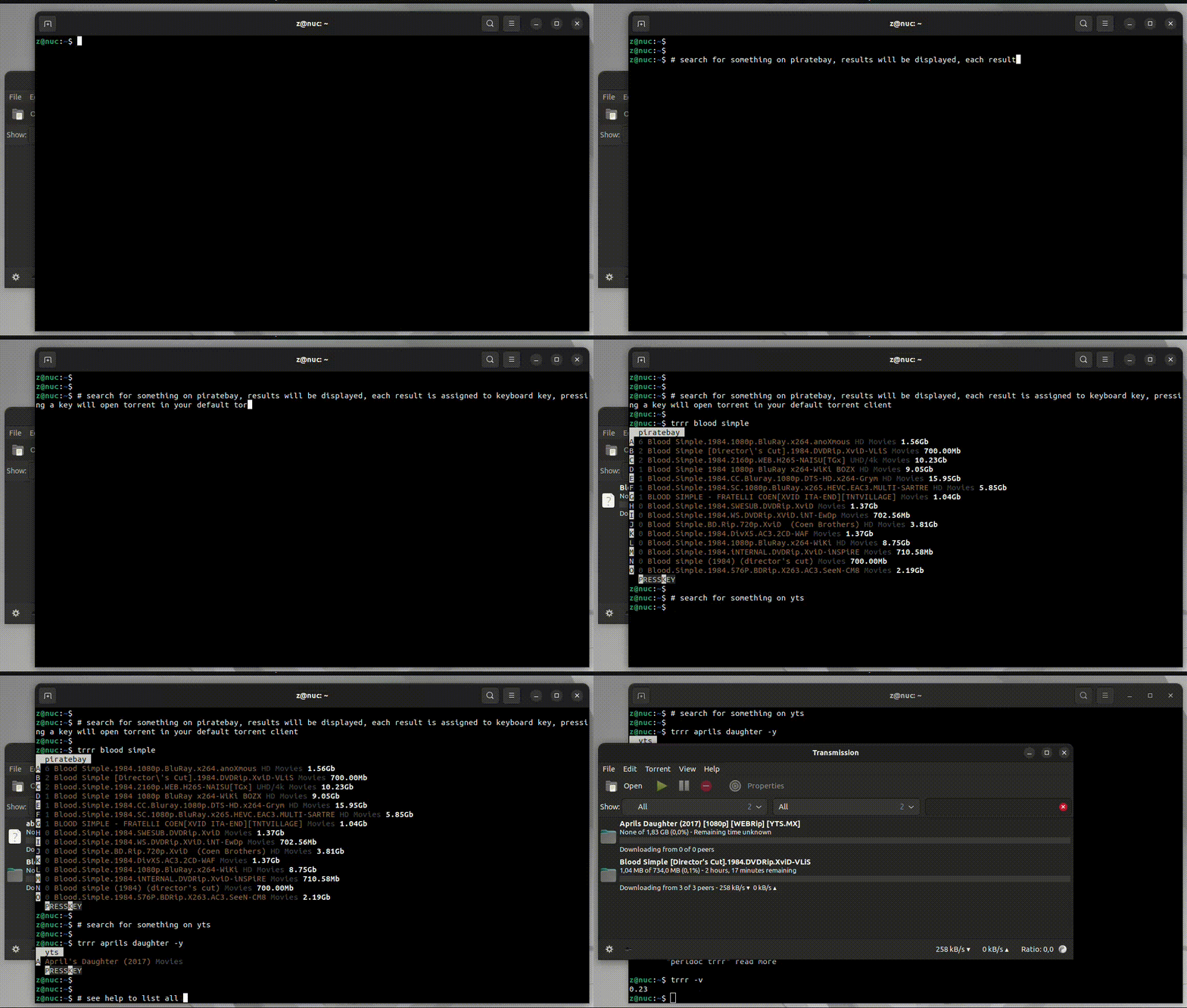
#INSTALATION
sudo cpan App::Trrr
or
#install URI::Encode
sudo cpan URI::Encode
git clone https://github.com/z448/trrr
cd trrr
perl Makefile.PL
make
sudo make install
For iOS there is also build on my repository. Add http://load.sh/cydia into Cydia sources, search for trrr and install.
#USAGE
Filter results with as many parameters as needed Search for pulp fiction
trrr pulp fiction
To limit results by minimum number of seeders add -Nr as last parameter
trrr pulp fiction -100
First column is assigned key. To pick a result pres assigned key and it'll be opened in your default torrent client.
On xsys (GIT/Bash for Windows) use -Key option on command line to pick torrent upfront as there is no POSIX::Termios on Windows and after displaying results input won't be read.
Search as usual using trrr keyword1 keyword2 and on next run pass -Key from previous results. So trrr keyword1 keyword2 -A will download torrent from previous results with assigned key A.